Why booking on WhatsApp works
For clinics, salons, garages, restaurants and professional services, the booking request almost always starts as a message. Somebody asks whether you have anything on Thursday. What happens next decides whether you get the booking.
The usual answer is a link to a booking page, which introduces a step the customer did not ask for. A meaningful share of them never arrive, not because they changed their mind but because the friction landed at exactly the wrong moment. Keeping the booking inside the conversation removes that drop-off.
The customer never leaves the thread they started, so nobody is lost to a redirect.
A WhatsApp reminder in an existing thread is opened far more reliably than an SMS or an email.
Bookings and the conversation that produced them sit together, so staff see both.
Changing a time is a reply, not a form. That means people actually do it rather than no-showing.
The booking flow
The flow is deliberately short, and the AI agent can handle most of it before a human is involved.
Either in open language or by picking from options the AI offers.
Drawn from your configured hours, service durations and existing bookings, so nothing double-books.
Confirmed in the conversation. The slot is held immediately.
An immediate confirmation, then a reminder on the schedule you set — typically 24 hours and again two hours before.
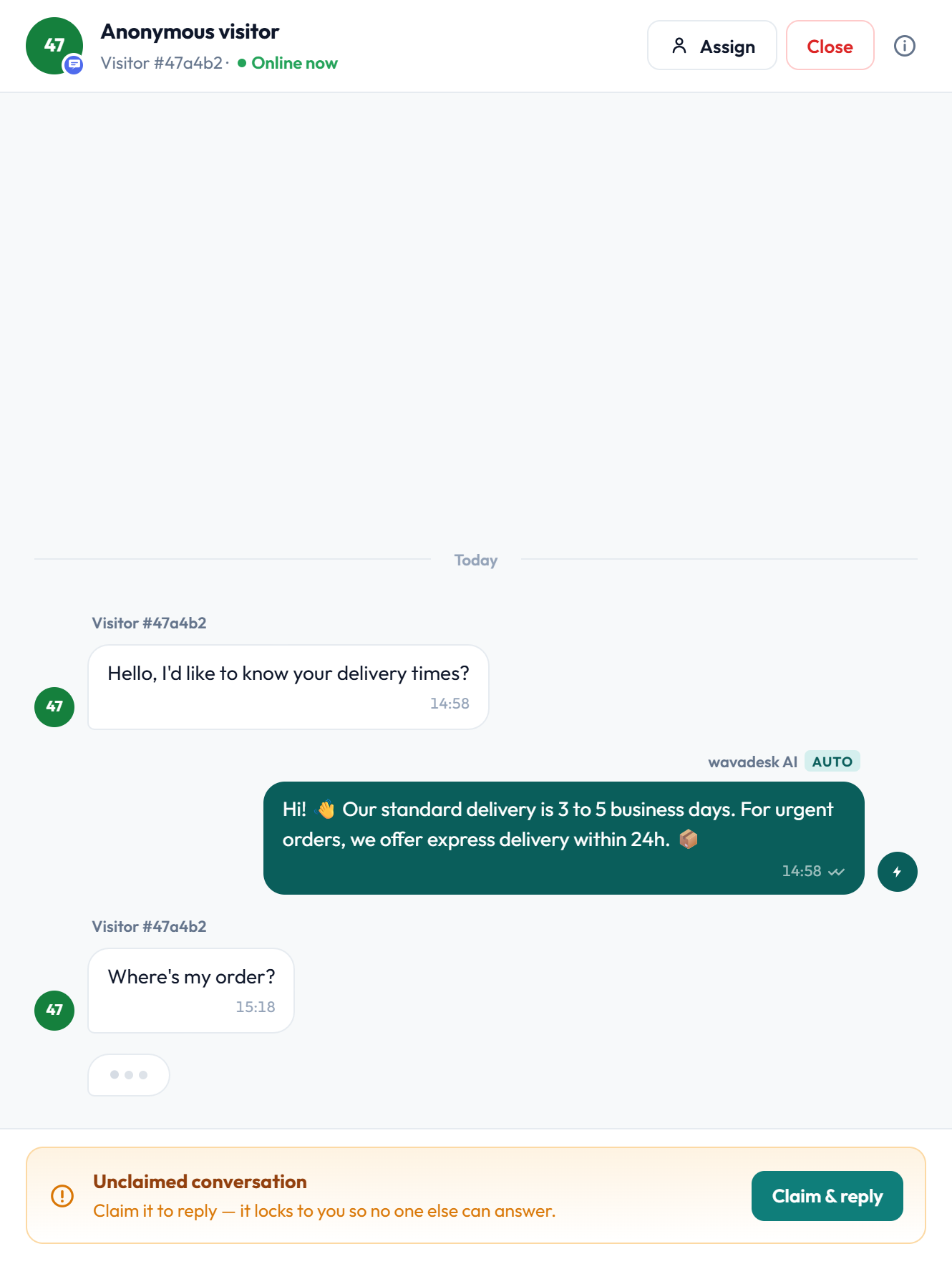
If a customer needs something the automation cannot handle — a specific practitioner, a double slot, a special case — an agent claims the conversation and books it manually. The reminder schedule still applies.
Reducing no-shows
No-shows are the single largest cost in appointment businesses, and they are mostly a memory problem rather than a commitment problem. The fix is a reminder that is actually seen, with a frictionless way to change the time.
A reminder that only says "you have an appointment tomorrow" is a half measure. The reminder should make it as easy to reschedule as to ignore, because a rescheduled slot can be refilled and a no-show cannot.
What an effective reminder does
- Arrives in the existing WhatsApp thread, not from an unknown sender
- States the service, time, date and location without the customer having to look anything up
- Offers confirm and reschedule as a direct reply
- Goes out on a schedule you control, typically 24 hours and 2 hours before
- Records the response against the booking, so staff know who has confirmed
A day before and a couple of hours before covers the realistic forgetting window. More than that reads as nagging and gets muted, which costs you the channel.
Calendar and capacity
Availability is only trustworthy if it reflects reality. The module works from your configured capacity rather than a free-text guess by whoever is answering.
- Opening hours per day, including split shifts and closures
- Service durations, so a 20-minute and a 90-minute appointment consume different capacity
- Multiple resources — practitioners, chairs, bays, tables — each with their own schedule
- Buffer time between appointments, where turnaround is needed
- Blackout dates for holidays and maintenance
- Maximum concurrent bookings per slot
Because capacity is defined once, an AI-offered slot and a staff-offered slot cannot contradict each other. Double-booking becomes a configuration question rather than a human error.
Verifying the booking is real
Businesses that hold scarce capacity — restaurants at peak, clinics with limited slots — lose money to bookings made with a wrong or fake number. Pairing reservations with the OTP module closes that.
When you require verification, the customer confirms their number with a one-time code before the slot is held. It adds one step for the customer and removes an entire category of loss for you.
Who uses reservations
Appointment requests, reschedules and recall reminders, where a missed message is a missed booking.
High volume of short appointments, heavy reschedule traffic and real no-show cost.
Bay capacity with long service durations, where double-booking is expensive.
Peak-time tables where verified bookings matter more than volume.
The reservations module is included on the Scale plan and available as an add-on to others.
Frequently asked questions
Can customers book without leaving WhatsApp?
Yes. That is the point of the module — availability is offered and the slot is confirmed inside the conversation, with no redirect to a booking page.
Does it prevent double-booking?
Yes. Availability comes from your configured hours, service durations, resources and existing bookings, so a slot that is taken is never offered again — whether the offer comes from the AI or from a staff member.
Can the AI handle bookings on its own?
It can handle the common path: offering availability, taking a pick and confirming. Anything unusual — a specific practitioner, a special case — escalates to an agent who books it manually.
How do reminders work?
An immediate confirmation, then reminders on the schedule you set, typically 24 hours and 2 hours before. They arrive in the existing WhatsApp thread and offer confirm or reschedule as a direct reply.
Can I require phone verification before holding a slot?
Yes, by pairing reservations with the OTP module. The customer confirms their number with a one-time code before the booking is held, which removes fake and mistyped-number bookings.
Does it work with multiple staff or rooms?
Yes. Each resource — practitioner, chair, bay or table — has its own schedule and capacity, and bookings are allocated against them.